All-Access Pass
Unlimited access to 50+ courses, unlimited critique, live events, and 24/7 community. Join School of Motion All-Access today.

If you're searching for an After Effects course that actually delivers, you're probably tired of tutorials that either move too fast or waste your time on basics you already know. School of Motion's After Effects courses are built differently - they're designed to take you from fundamentals to professional-level work through structured, project-based learning.
Whether you're just starting out or looking to level up your motion design skills, our courses teach you the techniques working professionals use every day. Here are 10 essential lessons you'll master across our After Effects curriculum.
1. Master the Fundamentals of Layer-Based Animation (After Effects Kickstart)
Course: After Effects Kickstart
Before you can create stunning motion graphics, you need to understand how After Effects actually thinks. In After Effects Kickstart, you'll learn the core principle that separates After Effects from other creative tools: everything is a layer, and layers are your building blocks.
You'll discover how to manipulate layers through transform properties - position, scale, rotation, and opacity - and understand the critical relationship between anchor points and transformations. This isn't just technical knowledge; it's the foundation that makes everything else possible. Once you grasp how layers interact in 2D space and how the coordinate system works, you'll stop fighting the software and start creating with confidence.
The course teaches you to think in terms of hierarchy and parenting, showing you how complex animations are really just simple movements working together. This mental model is what separates hobbyists from professionals.
2. Unlock the Power of Expressions for Smarter Animation (Expression Session)
Course: Expression Session
Manual keyframing is fine for simple animations, but it becomes unsustainable when you're working on real projects with tight deadlines. Expression Session introduces you to the world of expressions - snippets of code that automate and enhance your animations in ways keyframes simply can't.
You'll learn how to use expressions to create procedural animations that respond to changes instantly. Want a layer to automatically follow another, but with a delay? Need to create a looping animation that never repeats exactly the same way? Expressions make this possible without touching a single keyframe.
The course demystifies JavaScript for designers, teaching you practical expressions you'll use on every project: time-based animations, property linking, random movement, and value oscillation. You'll also learn to use the wiggle expression effectively - one of the most powerful tools for adding organic, natural movement to your work.
By the end, you'll understand how expressions save hours of repetitive work and make your projects infinitely more flexible when clients inevitably request changes.
3. Build Complex Animations Through Shape Layers (After Effects Kickstart)
Course: After Effects Kickstart
Shape layers are where After Effects becomes a true motion design powerhouse. In After Effects Kickstart, you'll move beyond importing Illustrator files and learn to build sophisticated graphics entirely within After Effects using shape layers.
You'll discover the modular nature of shape layers - how paths, fills, strokes, and operators stack together to create complex results. The course teaches you to animate shape properties like path trimming, which opens up endless possibilities for revealing animations, morphing transitions, and dynamic graphic treatments.
Understanding the order of operations in shape layers is crucial. You'll learn how a simple reordering of stroke and fill can completely change your result, and how operators like Merge Paths and Offset Paths can create effects that would be nearly impossible otherwise.
This knowledge transforms After Effects from an animation tool into a complete motion graphics creation environment where you can design and animate simultaneously.
4. Harness Parenting and Null Objects for Better Control (Animation Bootcamp)
Course: Animation Bootcamp
Professional animators don't animate every layer independently - they build smart hierarchies. Animation Bootcamp teaches you advanced parenting techniques and the strategic use of null objects to create animations that are both complex and easily adjustable.
You'll learn to use null objects as invisible control centers for your animations. Need to rotate multiple layers around a common point? Want to scale an entire group while maintaining individual animations? Null objects make this trivial. The course shows you how to build "animation rigs" - setups where a few simple controls drive complex movement across dozens of layers.
You'll also discover the power of parenting chains, where layers inherit transformations from their parents while maintaining their own animations. This is how motion designers create character rigs, complex mechanical animations, and elaborate scene transitions without losing their minds in a sea of keyframes.
Understanding these principles means your projects become more maintainable, your workflow speeds up dramatically, and last-minute changes stop being nightmares.
5. Create Natural Movement with Animation Principles (Animation Bootcamp)
Course: Animation Bootcamp
Technical knowledge means nothing if your animations feel robotic. Animation Bootcamp dives deep into the 12 principles of animation - originally developed by Disney animators - and shows you how to apply them in After Effects.
You'll learn to implement easing and timing to create animations with proper weight and momentum. The course teaches you the difference between linear, ease in, ease out, and custom easing curves, and more importantly, when to use each one. You'll discover how anticipation, overshoot, and secondary motion transform flat movements into performances that feel alive.
Through practical exercises, you'll practice spacing and timing to control the perceived weight and energy of objects. You'll learn that the secret to professional animation isn't more keyframes - it's better keyframes placed with intention.
The course also covers squash and stretch, follow-through, and how to use motion blur effectively. These aren't just aesthetic choices; they're the tools that make audiences feel movement rather than just see it.
6. Master Camera Animation and 3D Space (Advanced Motion Methods)
Course: Advanced Motion Methods
After Effects isn't just a 2D tool. Advanced Motion Methods shows you how to work in 3D space to create depth, dimension, and camera movements that elevate your work to a professional level.
You'll learn to convert layers to 3D and understand the Z-axis - the dimension that creates depth. The course teaches you to position layers in 3D space and use camera animation to reveal that depth through movement. You'll discover how camera properties like angle of view, depth of field, and focus distance can transform flat graphics into immersive environments.
One of the most valuable lessons is learning to choreograph camera moves that feel intentional rather than arbitrary. You'll practice creating camera animations that guide the viewer's eye, reveal information progressively, and add cinematic polish to motion graphics work.
You'll also learn to use null objects as camera targets, allowing you to create complex camera moves with simple controls. This technique is essential for creating smooth, professional camera animations that enhance your story rather than distract from it.
7. Design and Animate for Video Editors (After Effects for Video Editors)
Course: After Effects for Video Editors
If you're coming from editing software like Premiere Pro or Final Cut, After Effects for Video Editors bridges the gap between timeline editing and motion design. This course teaches you to think about graphics and effects in the context of video projects.
You'll learn to create reusable templates and presets that streamline your editing workflow. The course shows you how to build lower thirds, title sequences, and transitions that you can drop into editing timelines without having to rebuild them for every project.
Understanding Essential Graphics panels and how to create controls for editors is crucial. You'll learn to build Motion Graphics Templates (MOGRTs) that let video editors customize your work without opening After Effects - a skill that makes you infinitely more valuable to video production teams.
The course also covers working with footage, including keying, tracking, and stabilization techniques that video editors need for polishing projects. You'll discover how to integrate After Effects into video production workflows efficiently, understanding when to stay in your editor and when After Effects is the right tool.
8. Track and Integrate Graphics Into Real Footage (After Effects for Video Editors)
Course: After Effects for Video Editors
Making graphics feel like they exist in real-world footage requires tracking skills. After Effects for Video Editors teaches you both point tracking and camera tracking to seamlessly integrate graphics into live-action video.
You'll master the Tracker panel, learning when to use single-point, two-point, and perspective tracking for different scenarios. The course shows you how to stabilize shaky footage, making it smooth enough for graphics while maintaining a natural look.
Camera tracking is where things get really powerful. You'll learn to analyze footage to create virtual 3D cameras and track points, allowing you to place graphics that move correctly with the camera's perspective. This is essential for creating text, logos, or UI elements that appear to exist in the filmed environment.
The course also covers corner-pin tracking for screen replacements, roto-brush techniques for quick masking, and how to match lighting and color to make composited elements feel integrated rather than pasted on.
9. Develop Professional Project Management Skills (After Effects Kickstart)
Course: After Effects Kickstart
Technical skills mean nothing if you can't organize your projects. After Effects Kickstart emphasizes professional project management practices from day one.
You'll learn proper file organization, including folder structures, naming conventions, and how to set up projects that multiple people can work on without confusion. The course teaches you to use pre-compositions effectively - breaking complex projects into manageable pieces that are easy to navigate and revise.
You'll discover how to create efficient workflows using keyboard shortcuts, saving custom workspaces, and organizing your timeline for maximum clarity. The course also covers asset management, including how to collect files, relink footage, and prepare projects for handoff to other designers or for archiving.
These aren't the flashy skills that appear in showreels, but they're what separate professionals who can handle real client work from hobbyists who create beautiful one-offs. Good project management means you can return to a project months later and understand exactly what you built.
10. Build a Complete Project From Concept to Final Render (Advanced Motion Methods)
Course: Advanced Motion Methods
The ultimate test of After Effects mastery is taking a project from initial concept through final render. Advanced Motion Methods guides you through complete project workflows that mirror real professional work.
You'll learn to approach projects strategically, planning your scenes, anticipating technical challenges, and building in flexibility for revisions. The course teaches you to work with style frames and animatics, translating static designs into motion without losing the design intent.
Understanding render settings and output specifications is crucial for professional work. You'll learn about codec choices, when to use which formats, and how to optimize render times without sacrificing quality. The course covers rendering strategies for different delivery platforms - from high-resolution ProRes files for broadcast to compressed MP4s for social media.
You'll also learn troubleshooting techniques for common rendering issues, how to manage render queues efficiently, and how to use Media Encoder effectively for batch processing and adaptive rendering while you continue working.
Quick Takeaways
- Layer fundamentals and transform properties form the foundation of all After Effects work
- Expressions automate repetitive tasks and create animations impossible with keyframes alone
- Animation principles from traditional animation make motion graphics feel natural and engaging
- 3D workspace and camera animation add professional depth to motion design projects
- Tracking techniques integrate graphics seamlessly into real-world footage
- Professional project management separates hobbyists from working motion designers
Ready to Level Up Your After Effects Skills?
These 10 lessons represent just the beginning of what's possible with After Effects. Each course builds on the previous one, creating a comprehensive curriculum that takes you from beginner to professional motion designer.
Whether you're starting from scratch with After Effects Kickstart or diving deep into expressions with Expression Session, School of Motion's courses are designed around real projects and practical skills you'll use immediately. Every lesson is taught by working professionals who understand not just how to use the tools, but why certain approaches work better than others.
If you want access to all these courses and the complete School of Motion curriculum, check out All-Access. It's the fastest way to master After Effects and build the motion design career you want.
Frequently Asked Questions
What's the best order to take School of Motion's After Effects courses?
Start with After Effects Kickstart to build solid fundamentals, then move to Animation Bootcamp to master animation principles. From there, you can specialize with Expression Session for procedural animation, After Effects for Video Editors for production workflows, or Advanced Motion Methods for complex 3D and camera work. After Effects Insider offers additional techniques and can be taken at any point once you've completed Kickstart.
Do I need any previous experience before taking an After Effects course?
After Effects Kickstart is designed for complete beginners, assuming no prior knowledge of After Effects. If you're coming from video editing software like Premiere Pro, After Effects for Video Editors provides a faster onboarding. For most other courses, basic After Effects familiarity will be assumed, especially for After Effects Insider and Expression Session.
How long does it take to complete these After Effects courses?
Each course varies, but most take 4-8 weeks to complete if you're dedicating 5-10 hours per week. The project-based structure means you're building portfolio pieces as you learn, not just watching passive tutorials. You can move faster if you have more time available, or slower if you're fitting learning around a full-time job.
Will these courses help me get a job in motion design?
These courses teach the technical skills and professional workflows that studios expect from motion designers. By completing projects in each course, you'll build a portfolio that demonstrates real capability. We are also Adobe and Maxon Certified, meaning any relevant courses will provide you with a certification (see specific course descriptions to make sure this is the case). Many School of Motion alumni have used these courses to transition into motion design careers.
Can I learn After Effects from free YouTube tutorials instead?
Free tutorials are great for learning specific techniques, but they rarely teach you professional workflows, project management, or the interconnected skills needed for real client work. School of Motion courses are structured to build comprehensive expertise systematically, with feedback from real human teaching assistants (who are industry professionals in their own right!) and a community of fellow learners. You're learning not just how to use tools, but how to think like a professional motion designer.
ENROLL NOW!
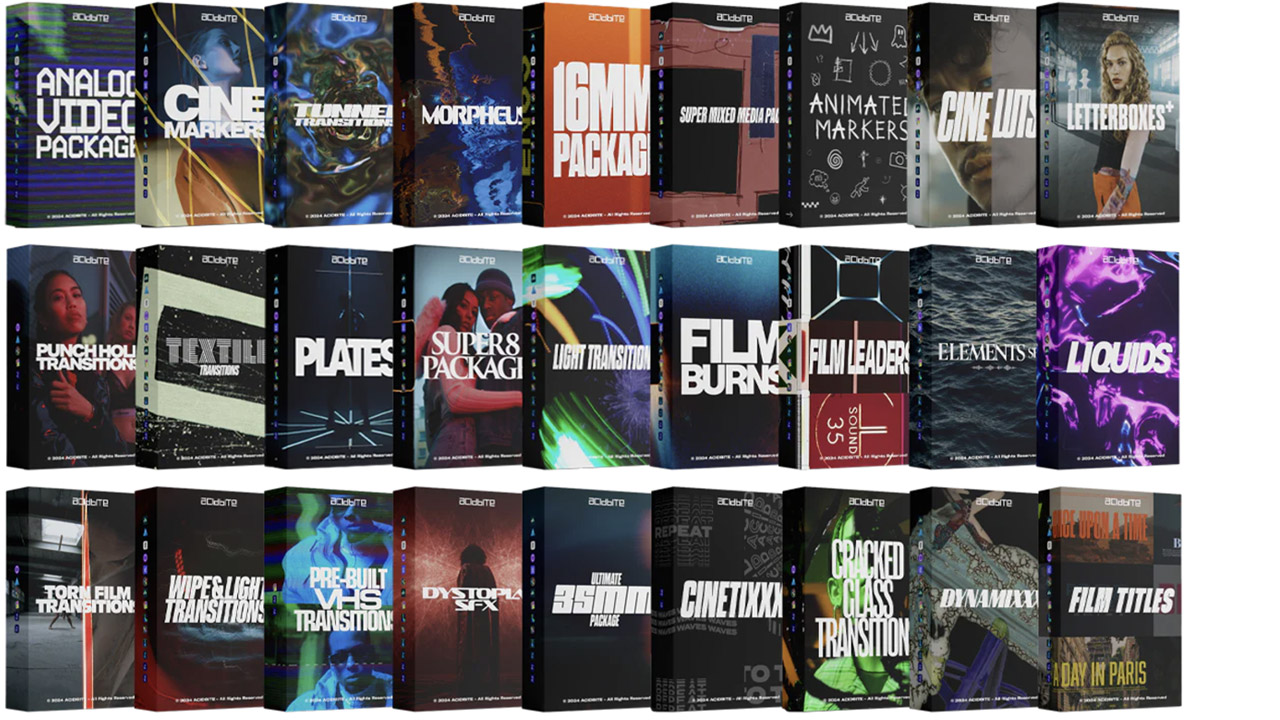
Acidbite ➔
50% off everything
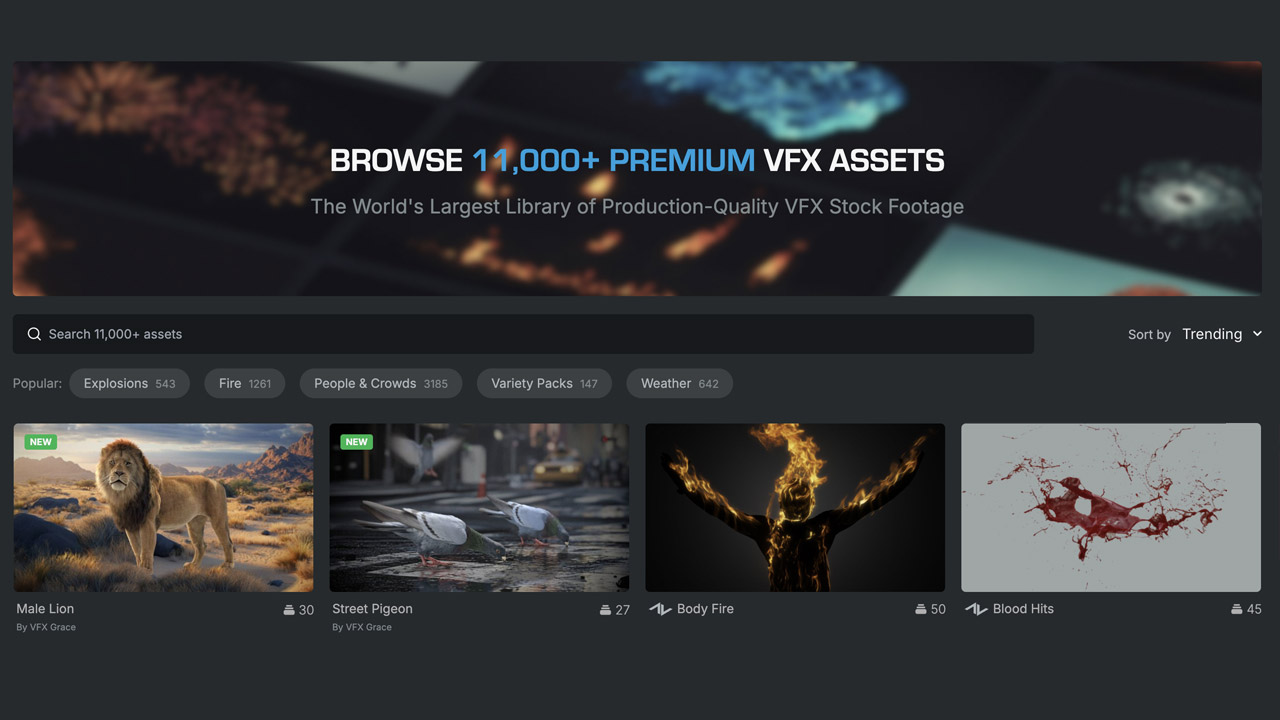
ActionVFX ➔
30% off all plans and credit packs - starts 11/26
Adobe ➔
50% off all apps and plans through 11/29
aescripts ➔
25% off everything through 12/6
Affinity ➔
50% off all products
Battleaxe ➔
30% off from 11/29-12/7
Boom Library ➔
30% off Boom One, their 48,000+ file audio library
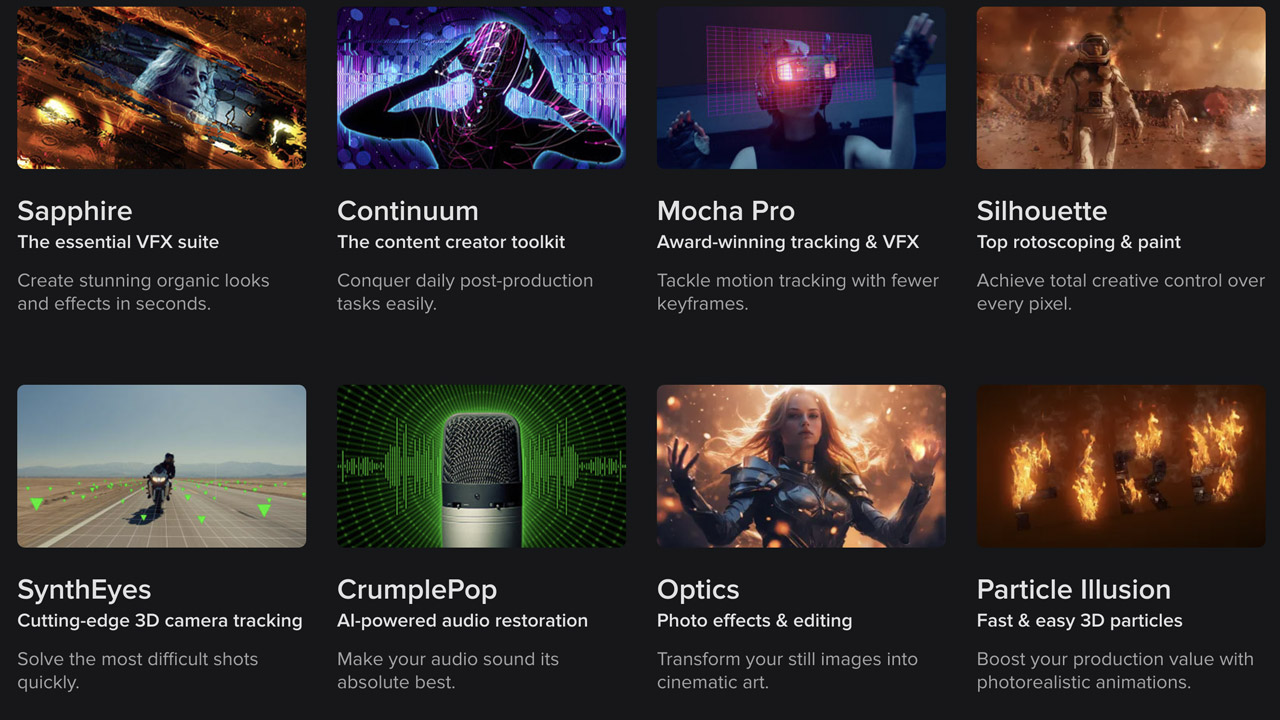
BorisFX ➔
25% off everything, 11/25-12/1
Cavalry ➔
33% off pro subscriptions (11/29 - 12/4)
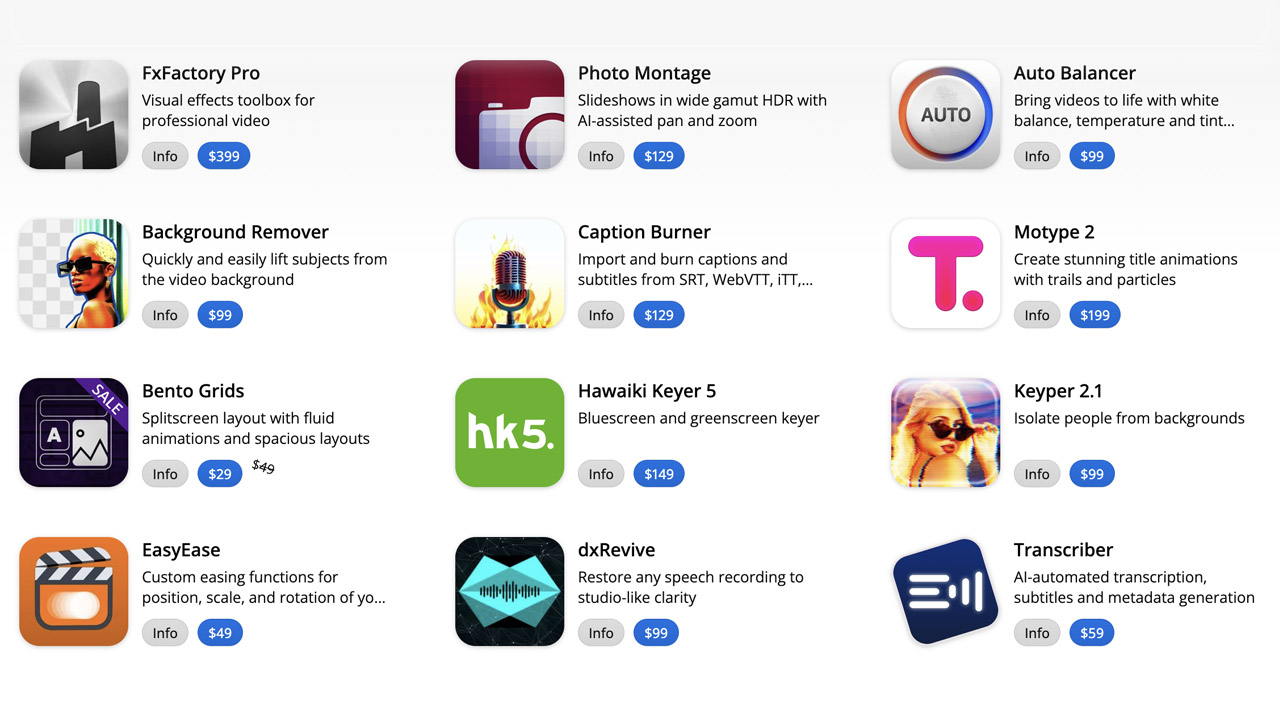
FXFactory ➔
25% off with code BLACKFRIDAY until 12/3
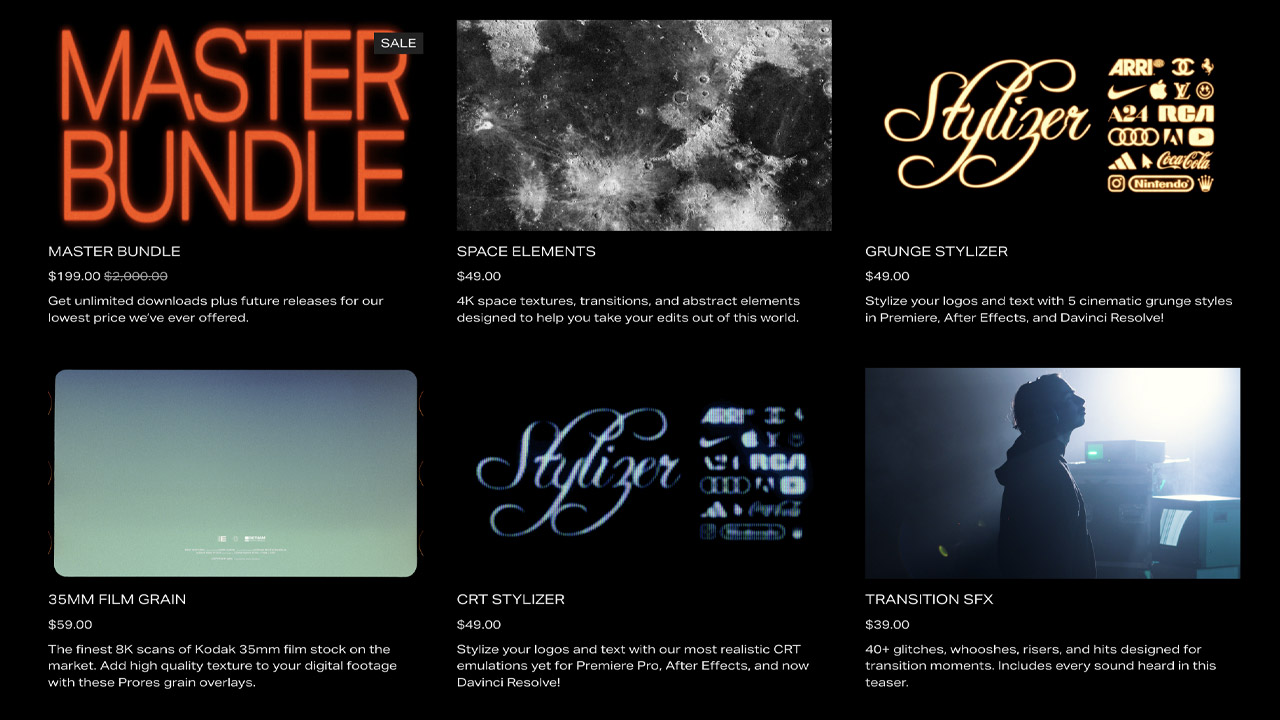
Goodboyninja ➔
20% off everything
Happy Editing ➔
50% off with code BLACKFRIDAY
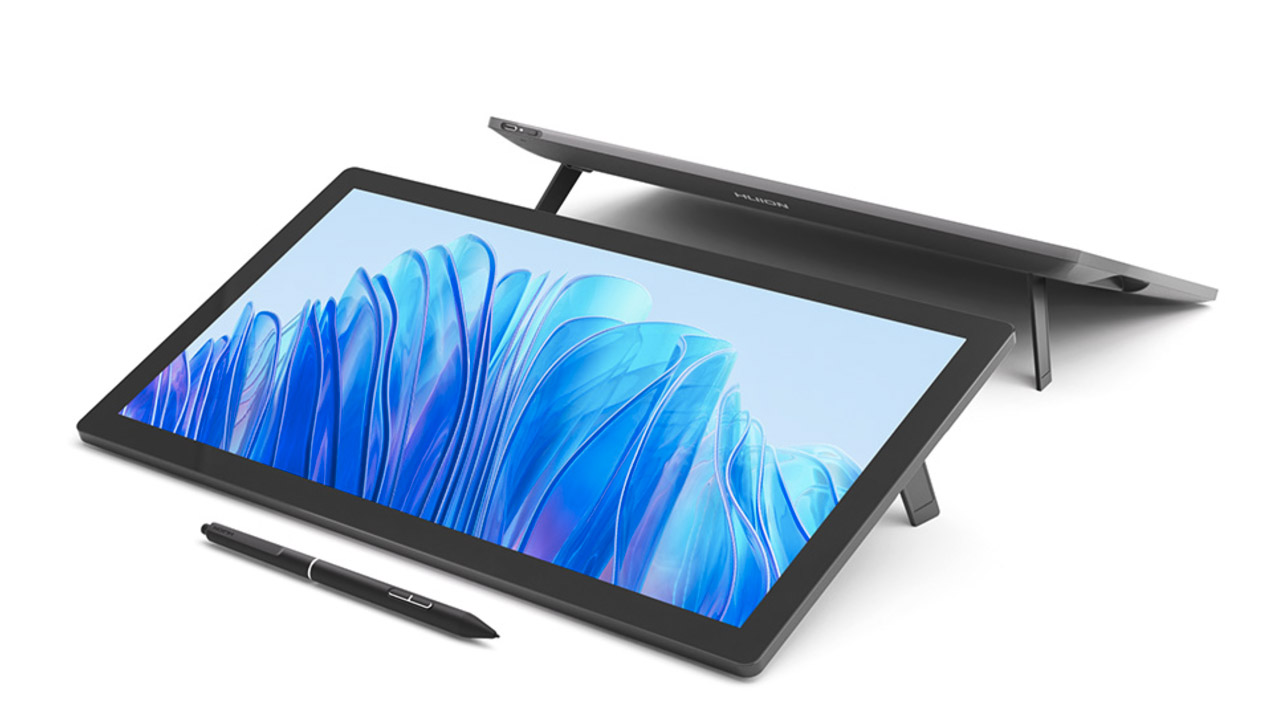
Huion ➔
Up to 50% off affordable, high-quality pen display tablets
Insydium ➔
50% off through 12/4
JangaFX ➔
30% off an indie annual license
Kitbash 3D ➔
$200 off Cargo Pro, their entire library
Knights of the Editing Table ➔
Up to 20% off Premiere Pro Extensions
Maxon ➔
25% off Maxon One, ZBrush, & Redshift - Annual Subscriptions (11/29 - 12/8)
Mode Designs ➔
Deals on premium keyboards and accessories
Motion Array ➔
10% off the Everything plan
Motion Hatch ➔
Perfect Your Pricing Toolkit - 50% off (11/29 - 12/2)
MotionVFX ➔
30% off Design/CineStudio, and PPro Resolve packs with code: BW30
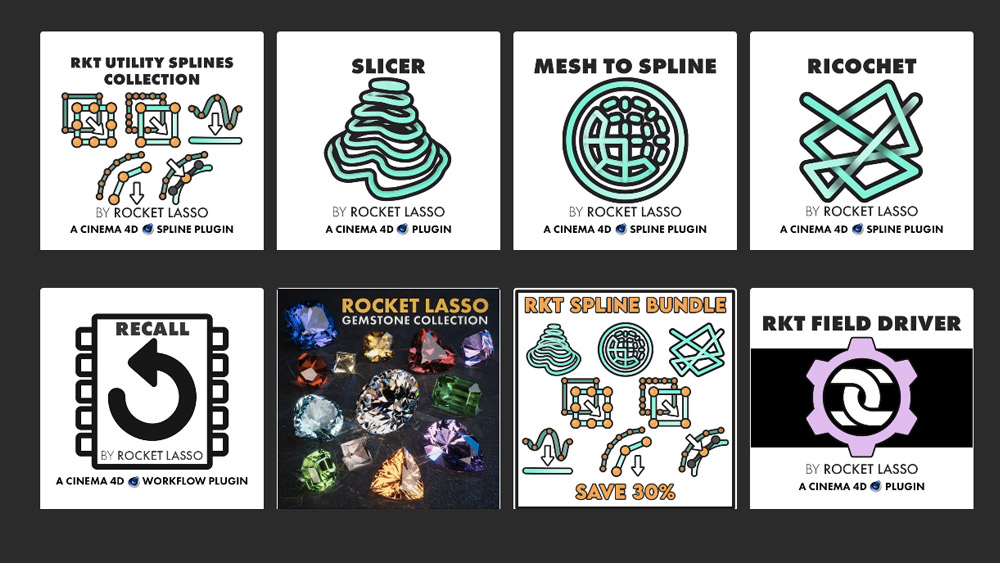
Rocket Lasso ➔
50% off all plug-ins (11/29 - 12/2)
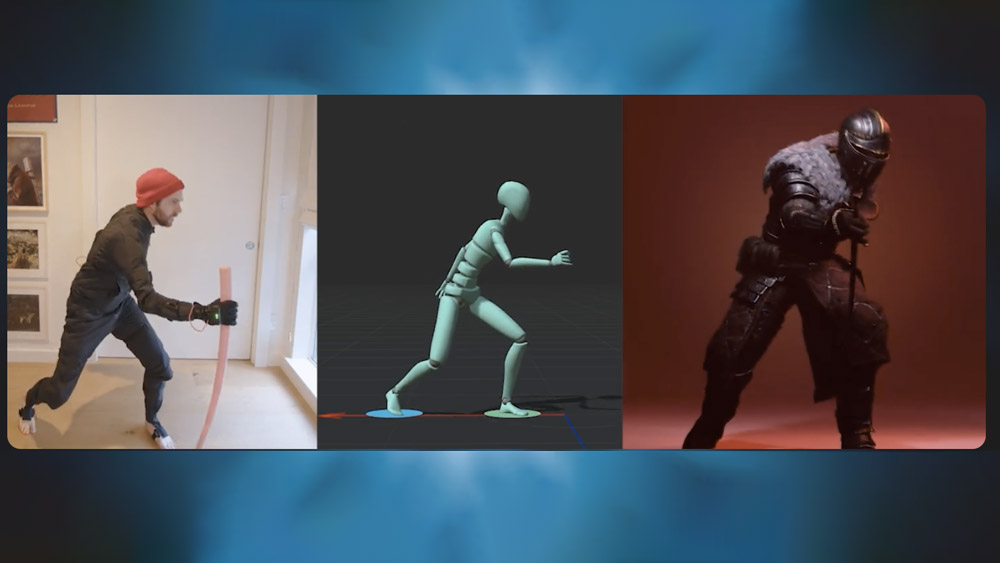
Rokoko ➔
45% off the indie creator bundle with code: RKK_SchoolOfMotion (revenue must be under $100K a year)
Shapefest ➔
80% off a Shapefest Pro annual subscription for life (11/29 - 12/2)
The Pixel Lab ➔
30% off everything
Toolfarm ➔
Various plugins and tools on sale
True Grit Texture ➔
50-70% off (starts Wednesday, runs for about a week)

Vincent Schwenk ➔
50% discount with code RENDERSALE
Wacom ➔
Up to $120 off new tablets + deals on refurbished items



All-Access Pass
Unlimited access to 50+ courses, unlimited critique, live events, and 24/7 community. Join School of Motion All-Access today.