
Start Your 3D Journey in Cinema 4D
Master the essentials of 3D modeling, lighting, and animation in C4D. Enroll in All-Access to unlock C4D Basecamp and 50+ other courses.

If you're searching for Cinema 4D courses that actually change how you approach motion design, you're in the right place. These courses go beyond simple tutorials and focus on practical workflows used by professional motion designers.
Whether you're opening Cinema 4D for the first time or already modeling in 3D, these lessons teach the principles that help you work faster, stay organized, and build animations that scale.
Below are ten key lessons you'll learn.
NEW COURSE | Cinema 4D Insider: A 4-hour professional-level course taught by EJ Hassenfratz that transforms how you work in Cinema 4D - faster workflows, scene organization, Redshift mastery, and team-ready production techniques.
Quick Takeaways
- Master parametric modeling for non-destructive workflows
- Organize scenes properly so complex projects stay manageable
- Light and texture specifically for motion design
- Build camera rigs for cinematic control
- Animate efficiently with keyframes and the graph editor
- Render efficiently with optimized settings
- Use MoGraph for procedural animation systems
- Create reusable assets and templates
- Troubleshoot common render issues quickly
- Think like a 3D motion designer, not just a 3D generalist
1. Parametric Modeling Changes How You Build
From: Cinema 4D Basecamp
One of the first mindset shifts you'll experience in Cinema 4D Basecamp is understanding Cinema 4D is built around parametric modeling, which means many objects remain editable and adjustable instead of permanently converted to geometry.
Generators such as Cloner, Array, and Symmetry work alongside deformers like Bend, Twist, and FFD. These tools allow you to build complex shapes while keeping the setup flexible.
But the course also covers core modeling fundamentals. You will learn proper topology and how to work with multiple modeling approaches including subdivision modeling, volume modeling, and spline modeling. Understanding when to use each technique helps you build cleaner geometry and more flexible assets.
This non-destructive workflow is essential in motion design where client revisions are common. Instead of rebuilding assets from scratch, you can simply adjust parameters or refine the underlying model.
For beginners, this builds strong modeling habits early. For experienced artists, it dramatically speeds up iteration.
2. Scene Organization Saves Hours And Your Sanity
From: Cinema 4D Basecamp

Professional 3D work quickly becomes complex. A single scene can contain hundreds of objects.
Good organization keeps projects manageable. You'll learn to:
- Use null objects to group elements
- Create consistent naming systems
- Organize objects with Cinema 4D's layer system
- Maintain clear hierarchies
These habits make projects easier to edit, share with collaborators, and revisit later.
3. Lighting For Motion, Not Just Beauty Frames
From: Cinema 4D Ascent
Cinema 4D Ascent takes your lighting knowledge to a professional level by teaching you how to light for animation, not just static renders. There's a huge difference.
In this course you learn how to create lighting setups that hold up during camera movement and object animation.
Key techniques include:
- Three-point lighting for moving scenes
- Area lights and softbox setups
- HDRI environments
- Light linking to control what each light affects
A lighting setup that looks great on one frame may fall apart during animation. Planning for motion is essential.
4. Camera Rigs for Cinematic Movement
From: Cinema 4D Ascent
Instead of just moving cameras arbitrarily, Cinema 4D Ascent shows you how to build camera rigs using targets, null objects, and constraints. This approach lets you create camera moves that feel intentional and controlled, like a real cinematographer blocking a shot.
You'll learn to animate cameras using Sequencer's timeline tools, create rack focus effects by linking camera depth of field to animated nulls, and use the camera morph tag to blend between multiple camera angles smoothly. The course emphasizes thinking about cameras as storytelling tools that guide viewer attention through your scene.
This is particularly valuable when you're creating narrative-driven work or need to match the feel of live-action footage in mixed-media projects.
5. Graph Editor Mastery Changes Everything
From: Cinema 4D Basecamp

The Graph Editor allows you to shape animation curves so motion feels natural and intentional.
You will learn to:
- Adjust easing
- Create overshoot and settling motion
- Control timing precisely
- Apply classic animation principles like anticipation and follow-through
The course covers essential concepts like ease-in/ease-out, anticipation, and follow-through - principles borrowed from traditional animation that apply perfectly to 3D motion design.
Understanding animation curves turns simple movement into believable motion.
6. MoGraph for Procedural Animation
From: Cinema 4D Ascent

You'll learn to use:
- Cloner
- Matrix objects
- Plain, Random, and Step Effectors
These tools allow you to build procedural setups where animations update automatically when assets change.
This makes it easy to create variations or scale a design without rebuilding everything.
7. Scalable Texturing Workflows
From: Cinema 4D Ascent

Cinema 4D Ascent dedicates serious time to modern texturing workflows using C4D's material system alongside projection techniques and UV mapping strategies.
Texturing is more than adding color to an object.
The courses cover:
- Procedural textures
- UV mapping basics
- Projection methods
- Tileable materials
- Node-based materials editor
The course also covers practical color management and how to maintain consistency across multiple materials in a scene. This ensures your surfaces look intentional and professional from every angle and at every moment of your animation.
8. Rendering Without The Guesswork
From: Cinema 4D Ascent
Rendering can be confusing when you're starting out. Many new users struggle with slow renders or unexpected artifacts. Cinema 4D Ascent demystifies rendering completely.
You'll learn:
- Render settings optimization
- Preview vs final render workflows
- Multipass rendering for compositing
- Noise reduction strategies
You'll also learn practical troubleshooting: why renders look grainy, what causes fireflies, how to fix flickering in animation, and when to use global illumination versus fake it with additional lights. These skills prevent panic at 2am when you're on deadline.
9. Controlled Dynamics, Not Random
From: Cinema 4D Ascent

You'll learn to:
- Control rigid body simulations
- Use soft body dynamics
- Combine MoGraph with dynamics
- Bake simulations once finalized
The course also covers practical tips like baking dynamics once you're happy with them, so you can continue animating without simulation overhead slowing down your viewport.
10. Thinking In Systems, Not Just Objects
From: Cinema 4D Basecamp and Cinema 4D Ascent

This systems approach uses generators, cloners, effectors, and well-structured hierarchies to build flexible setups. It is what separates professional motion designers from people who simply know the tools.
The difference is significant. You can spend three days building a single animation, or three days building a setup that can generate dozens of variations.
Both courses reinforce this mindset through project-based learning. You regularly build reusable rigs, templates, and asset libraries. By the end, you are not just faster. You are working smarter.
Why This Matters For Your Career
Learning Cinema 4D is not just about adding another piece of software to your resume. These courses teach you how to think like a 3D motion designer, which changes both what you can create and how efficiently you can create it.
Whether you are trying to land your first motion design job or you are an experienced After Effects artist expanding into 3D, this knowledge stack can open new creative possibilities.
Together, Cinema 4D Basecamp and Cinema 4D Ascent provide a complete foundation. You will finish with portfolio projects, but more importantly, you will develop the problem-solving frameworks needed to approach complex motion design work with confidence.
Ready to make the leap? Check out All-Access to get immediate access to both Cinema 4D courses plus our entire course library. Your future self will thank you.
FAQs
Do I need any experience with 3D before taking Cinema 4D Basecamp? Nope. Cinema 4D Basecamp assumes you're starting from zero and builds up systematically. The course is designed for motion designers coming from After Effects or similar 2D tools who want to add 3D to their skillset.
How long does it take to complete both courses? Cinema 4D Basecamp takes most students 4-6 weeks working part-time, and Cinema 4D Ascent takes another 6-8 weeks. You set your own pace, and all materials remain accessible so you can revisit lessons anytime.
Can I use these techniques with Cinema 4D Lite that comes with After Effects? Some lessons apply to C4D Lite, but both courses assume you're using a full version of Cinema 4D since many professional features (like MoGraph and advanced rendering) aren't available in Lite. Educational and subscription options from Maxon make full versions accessible.
Will these courses teach me Redshift or Octane? The courses focus on C4D's native rendering capabilities and core principles that apply to any renderer. Once you understand lighting, materials, and optimization fundamentally, picking up third-party renderers becomes much easier.
What's the difference between Basecamp and Ascent? Basecamp covers fundamentals - interface, modeling, basic animation, lighting, and rendering. Ascent is intermediate-to-advanced, covering MoGraph, Dynamics, advanced rigging, procedural workflows, and professional production techniques. Take them in order for best results.
Take Your Skills Further!
Ready to master Cinema 4D from the ground up? Check out our Cinema 4D courses and workshops on All-Access.
ENROLL NOW!
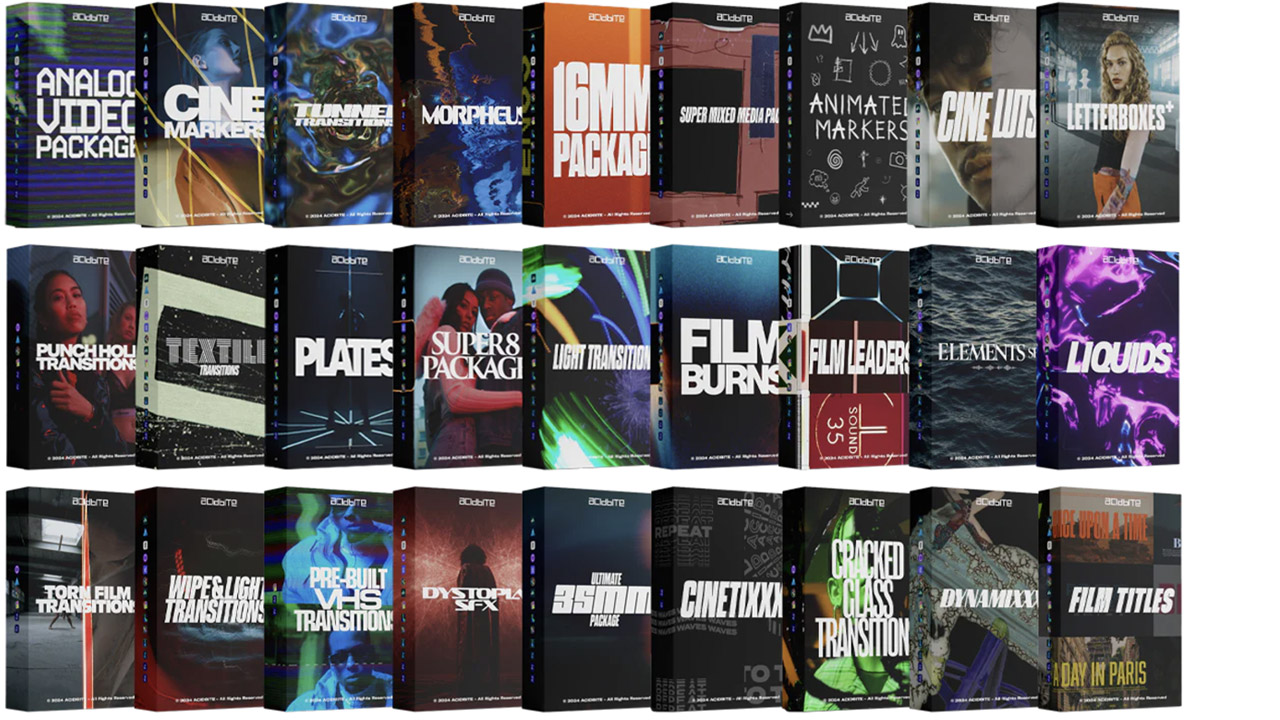
Acidbite ➔
50% off everything
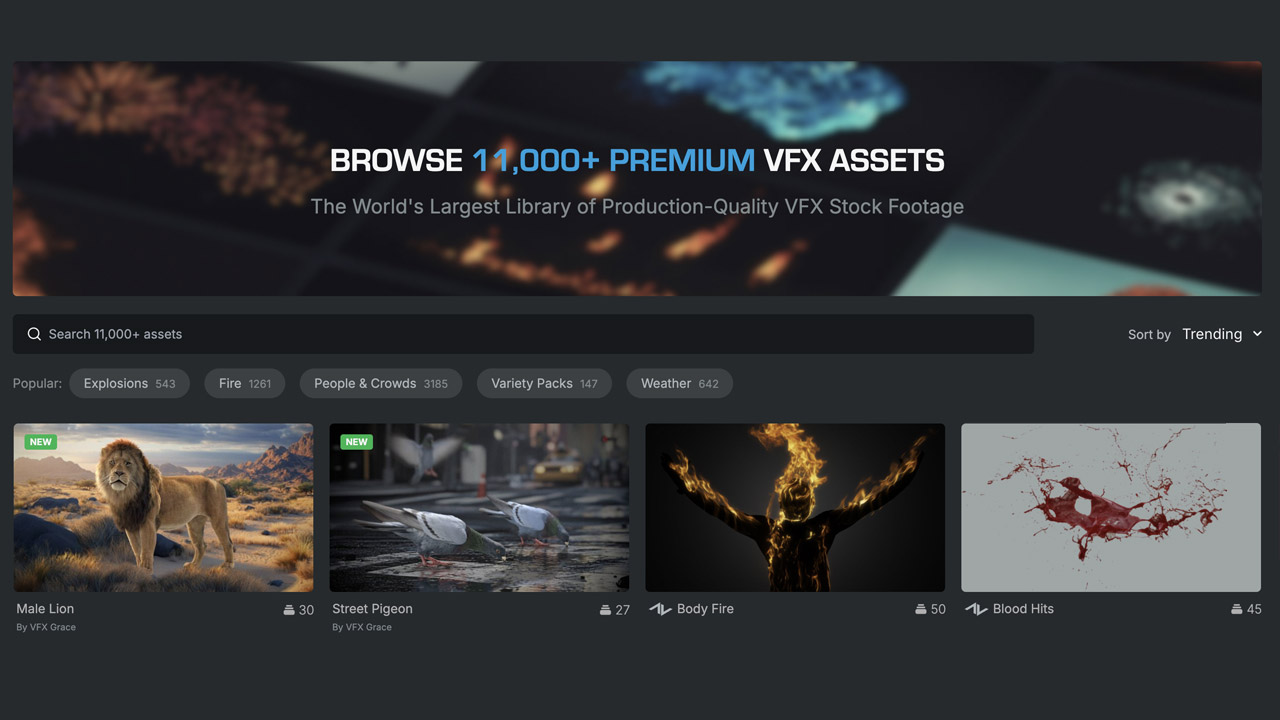
ActionVFX ➔
30% off all plans and credit packs - starts 11/26
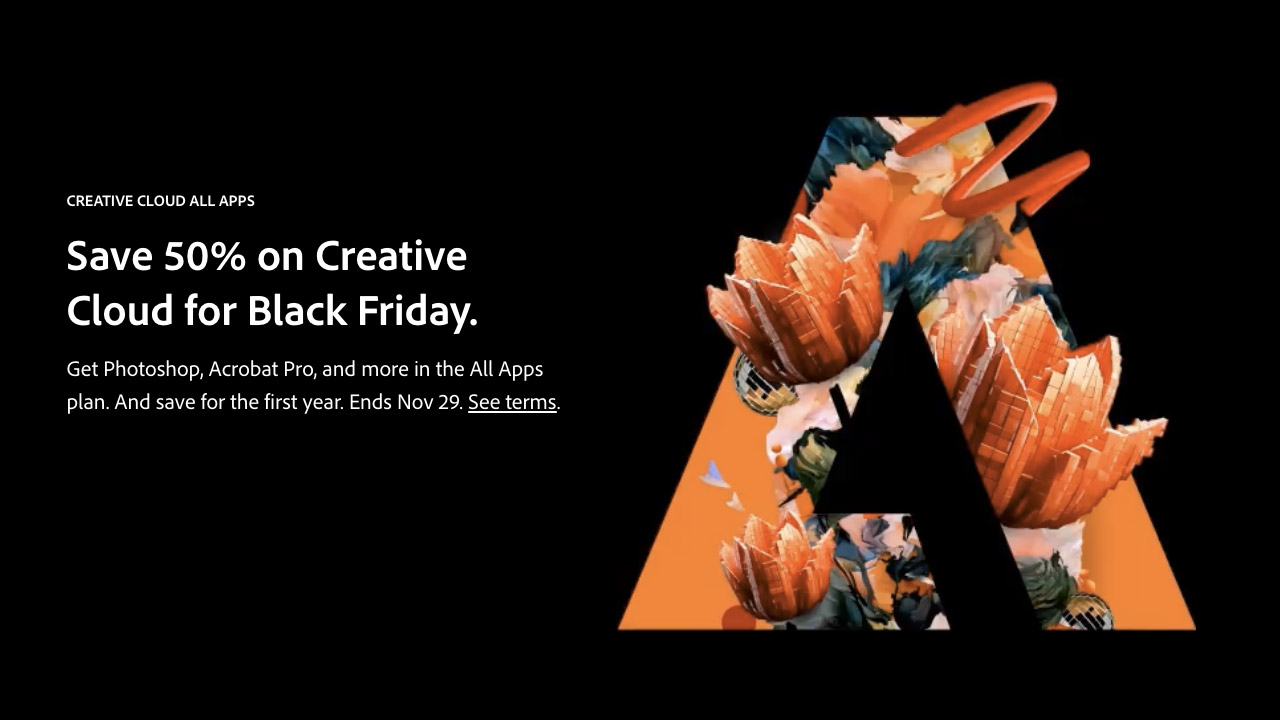
Adobe ➔
50% off all apps and plans through 11/29
aescripts ➔
25% off everything through 12/6
Affinity ➔
50% off all products

Battleaxe ➔
30% off from 11/29-12/7
Boom Library ➔
30% off Boom One, their 48,000+ file audio library
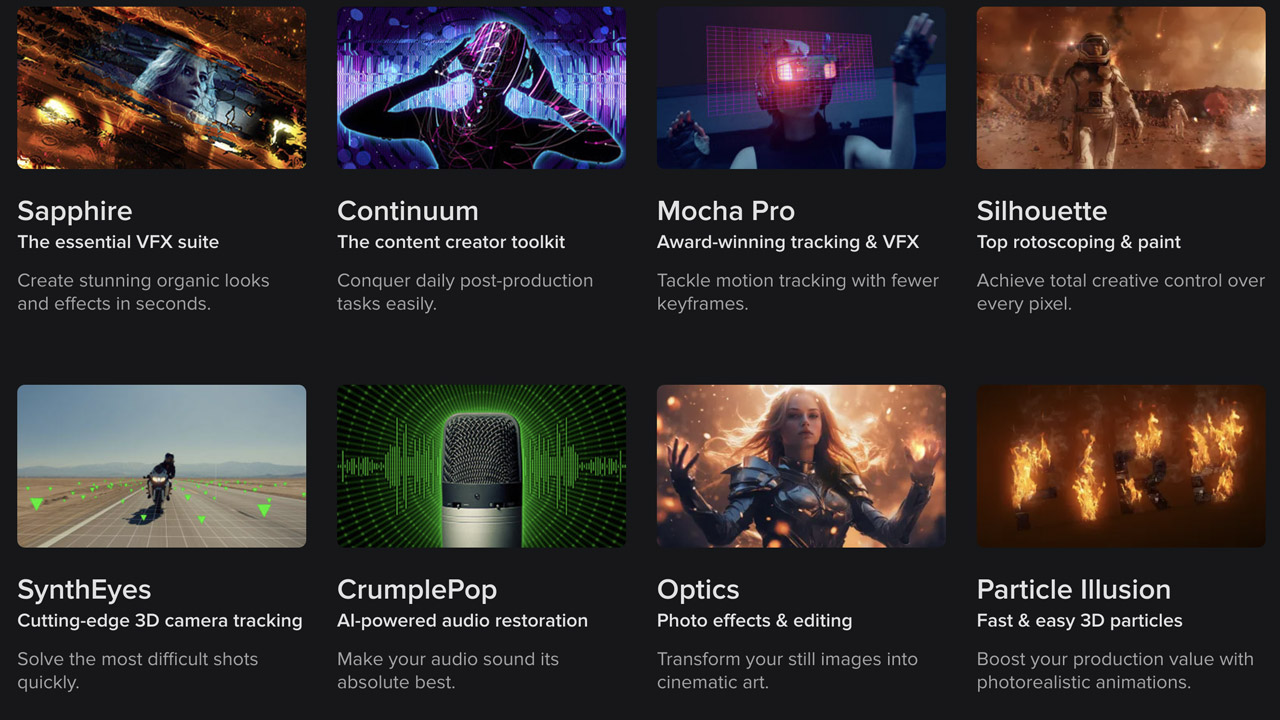
BorisFX ➔
25% off everything, 11/25-12/1
Cavalry ➔
33% off pro subscriptions (11/29 - 12/4)
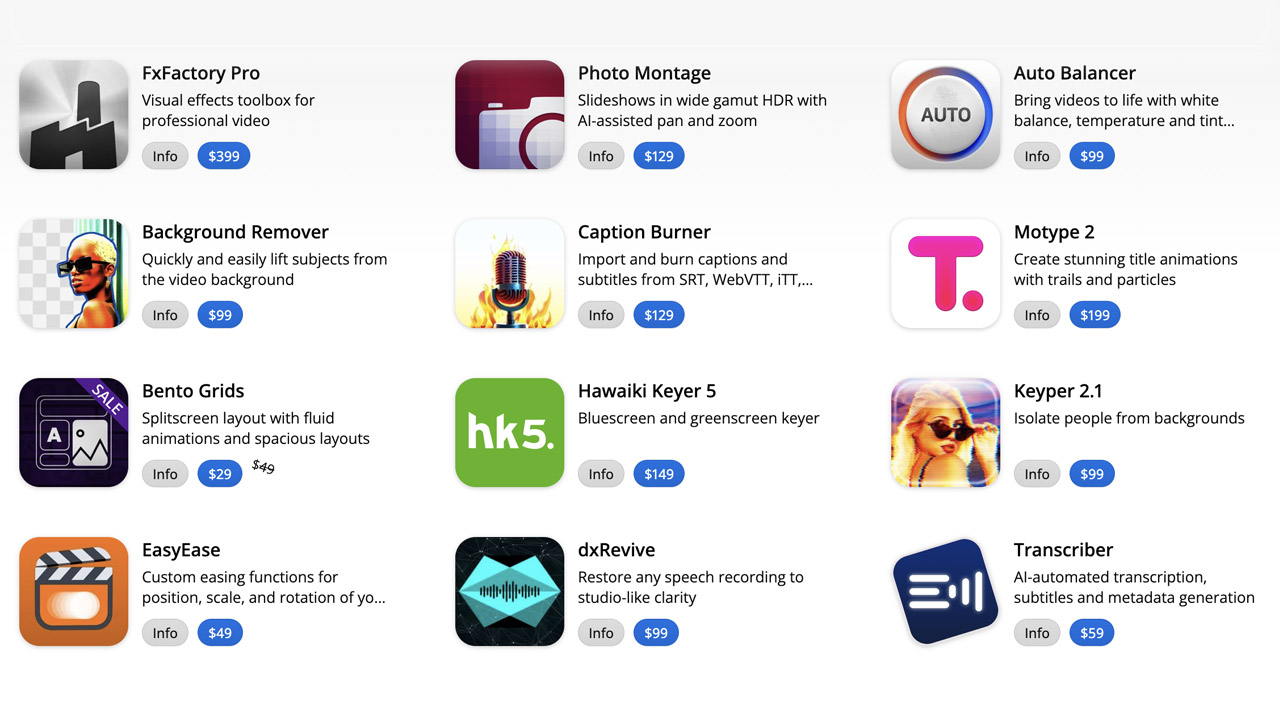
FXFactory ➔
25% off with code BLACKFRIDAY until 12/3
Goodboyninja ➔
20% off everything
Happy Editing ➔
50% off with code BLACKFRIDAY
Huion ➔
Up to 50% off affordable, high-quality pen display tablets

Insydium ➔
50% off through 12/4
JangaFX ➔
30% off an indie annual license
Kitbash 3D ➔
$200 off Cargo Pro, their entire library
Knights of the Editing Table ➔
Up to 20% off Premiere Pro Extensions
Maxon ➔
25% off Maxon One, ZBrush, & Redshift - Annual Subscriptions (11/29 - 12/8)
Mode Designs ➔
Deals on premium keyboards and accessories
Motion Array ➔
10% off the Everything plan
Motion Hatch ➔
Perfect Your Pricing Toolkit - 50% off (11/29 - 12/2)
MotionVFX ➔
30% off Design/CineStudio, and PPro Resolve packs with code: BW30
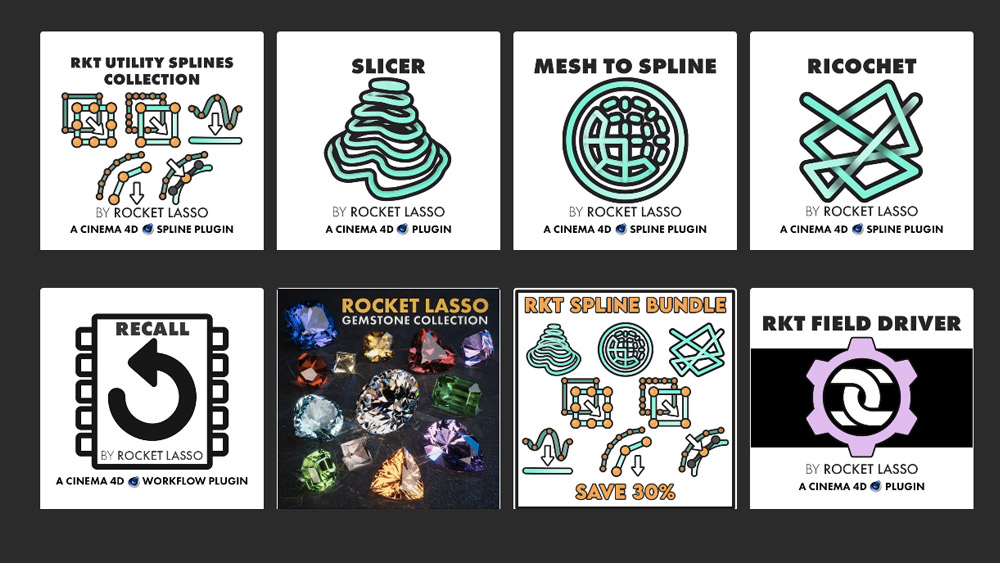
Rocket Lasso ➔
50% off all plug-ins (11/29 - 12/2)
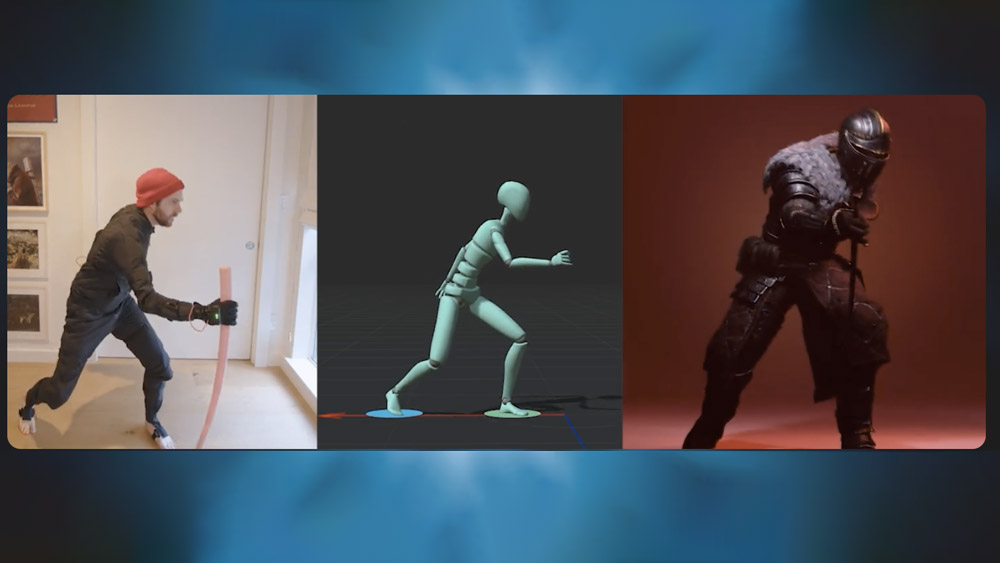
Rokoko ➔
45% off the indie creator bundle with code: RKK_SchoolOfMotion (revenue must be under $100K a year)
Shapefest ➔
80% off a Shapefest Pro annual subscription for life (11/29 - 12/2)

The Pixel Lab ➔
30% off everything
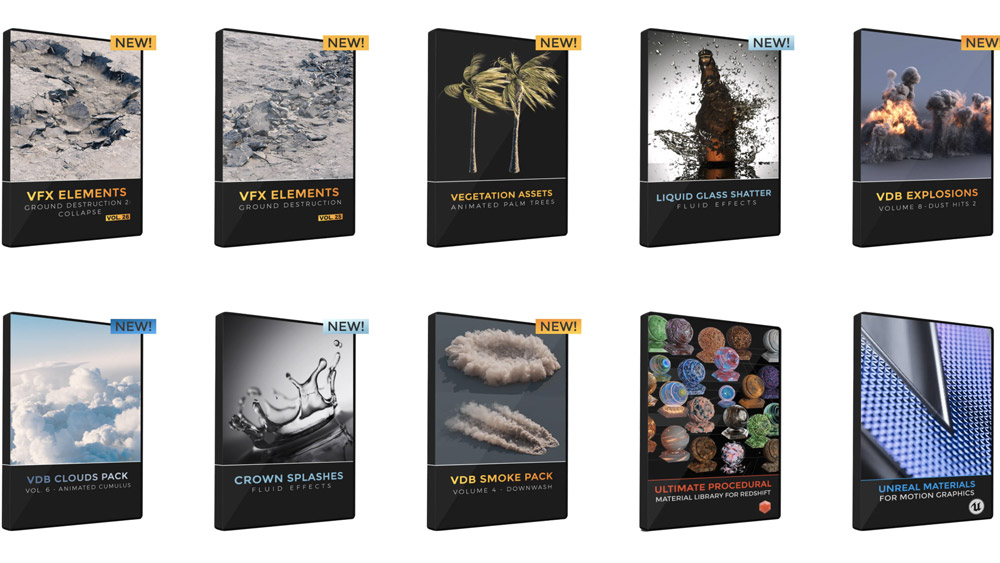
Toolfarm ➔
Various plugins and tools on sale
True Grit Texture ➔
50-70% off (starts Wednesday, runs for about a week)

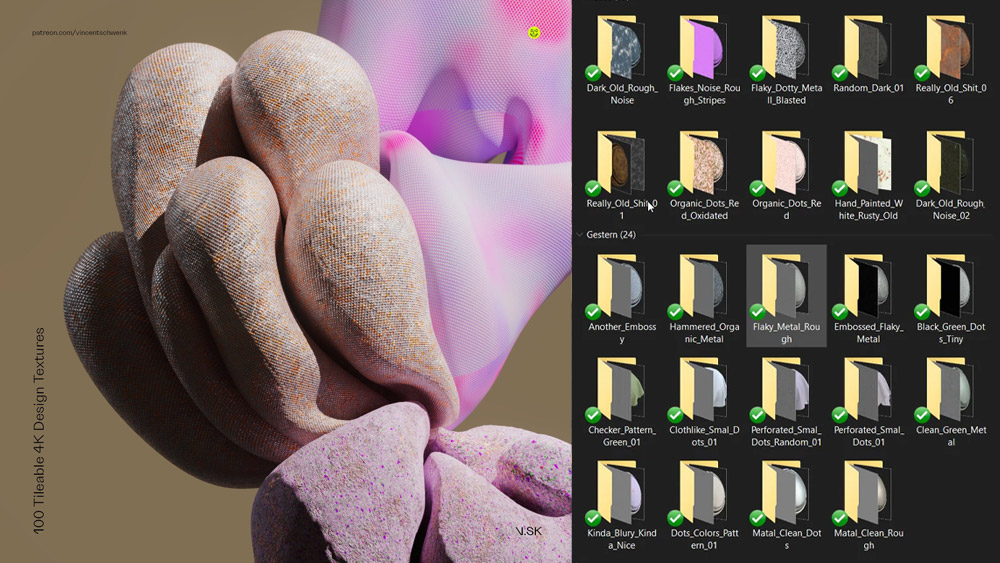
Vincent Schwenk ➔
50% discount with code RENDERSALE
Wacom ➔
Up to $120 off new tablets + deals on refurbished items



Start Your 3D Journey in Cinema 4D
Master the essentials of 3D modeling, lighting, and animation in C4D. Enroll in All-Access to unlock C4D Basecamp and 50+ other courses.