Learn After Effects the Right Way
Master the After Effects interface and build a real animation skillset. Enroll in All-Access to unlock AE Kickstart and 50+ other courses.
Text animation in After Effects can eat up hours of your day. One minute you're setting up a simple title, the next you're tweaking easing curves for the fifteenth time wondering why it still doesn't feel right.
That's where text presets come in. We've rounded up the best free text effects for After Effects available in 2026, plus a few premium options worth the investment. These presets will help you create professional animations in seconds instead of hours.
1. MotionType by Studio Blou
Why it's great: MotionType is one of the most flexible free text presets out there. It lets you animate with or without keyframes, supports in/out mirror parameters, and lets you reverse text animation direction - all without touching a single keyframe manually.
Best for: Any project that needs smart, expression-driven text animation
The preset is built on Dan Ebberts' expressions, which means the timing logic is solid. It works with any font and any text length, which makes it a reliable go-to rather than a one-trick novelty.
2. 10 Free After Effects Text Animation Presets by Motion Island
Why it's great: A clean set of ten text animations built in After Effects CC, covering a range of styles from simple fades to more energetic movement. Quick to apply and easy to customize.
Best for: YouTube intros, corporate titles, general-purpose text animation
These are straightforward .ffx presets - drop them into your Presets folder and they show up in the Effects & Presets panel immediately. No plugins required.
3. Free Pack - 20 Text Animations by Enchanted Media
Why it's great: Twenty distinctive animations built around the most popular text animation styles, all working off a single text layer. No per-letter masking, no complex rigging - just type and go.
Best for: YouTube intros, motion graphics for clients, social promos
The pack covers everything from elegant reveals to slot-machine flips. One caveat: it works best on a single line of text and isn't ideal for copying layers between comps due to time-based expressions.
4. Tapered Stroke Preset by School of Motion
Why it's great: A free utility preset from School of Motion that gives you a tapered stroke on text or shapes - something After Effects doesn't do natively. Simple, versatile, and surprisingly useful for kinetic typography.
Best for: Stylized titles, write-on effects, motion graphics with expressive linework
It's fully customizable and pairs well with other animation presets. A small tool, but one that fills a genuine gap in After Effects' native feature set.
5. Thicc Stroke Preset by Plugin Everything
Why it's great: Another free stroke preset, but this one is focused on bold, extra-thick strokes for text and shapes. Results can be animated or kept static - useful for titles, logos, or decorative elements.
Best for: Bold graphic title treatments, logo animation, motion graphics with strong visual weight
It's a single-effect preset, but it does exactly what it promises and integrates cleanly into any composition.
6. 10 Free After Effects Text Presets by Motion Array
Why it's great: Motion Array offers a free set of ten text animation presets that require nothing more than a free account to download. Clean slides, jumps, wiggles - the kind of foundational animations you'll reach for constantly.
Best for: Corporate videos, explainers, general motion graphics work
Motion Array also offers a second free set of ten type presets with a more punchy, energetic feel if the first pack is too subtle for your project.
7. Free Lower Thirds Templates by The Creators
Why it's great: A free pack covering lower thirds, transitions, and a logo reveal - everything you'd need to put together a professional interview or talking-head video. Five text placeholders and a logo spot.
Best for: Documentaries, interviews, corporate videos, commercials
Animations are smooth and professional without drawing attention away from the subject. Easy to swap in your own colours and fonts.
BONUS: How to Install After Effects Text Presets
Installing presets is pretty straightforward, but if you're new to this, here's the quick rundown:
- Download the preset file (usually a .ffx file)
- Navigate to your After Effects installation folder
- Place the file in: Adobe After Effects [Version] > Support Files > Presets
- Restart After Effects if it's currently open
- Find your preset in the Effects & Presets panel
Pro tip: Create subfolders within the Presets directory to keep things organised. Future you will thank present you when you're not scrolling through 200 unsorted presets at 2 AM.
Premium Text Preset Packs Worth Considering
Free presets are a great starting point, but the premium options below offer more scale, better browser integration, and ongoing updates.
Mister Horse Text Presets for Animation Composer
Price: Paid (the Animation Composer plugin itself is free)
What you get: Over 1,000 text presets for After Effects, browsable and applied directly inside the free Animation Composer plugin. Covers transitions, effects, and a huge variety of styles. Non-destructive, works with any font or text size, and compatible with After Effects CC 2025 and newer.
Worth it if: You do volume work in After Effects and want a proper library you can browse in-app rather than hunting through a presets folder. The free version of Animation Composer includes a solid selection to try before buying.
Envato Elements
Price: Subscription-based (monthly or annual; covers the entire Envato Elements library)
What you get: Thousands of After Effects text presets and templates, all downloadable with a single subscription. Styles range from kinetic typography and glitch titles to corporate lower thirds and cinematic reveals.
Worth it if: You regularly need varied assets across different project types and want a one-stop subscription that covers more than just text presets.
Top Tips for Working with Presets
Test before committing: Always preview a preset on a test comp before applying it to your final project. Some presets look great in the demo but behave weirdly with certain fonts or text lengths.
Keep a preset library: Create a personal library of your favourites, organised by project type or style. When you're under deadline pressure, you'll know exactly where to find what you need.
Read the readme: Seriously. If a preset pack includes documentation, read it. You'll discover features and customisation options you might have missed otherwise.
Check compatibility: Some older presets may not work properly in the latest After Effects versions. If something seems broken, check if there's an updated version available.
Respect licences: Free doesn't always mean "use however you want." Check the licence terms, especially if you're working on commercial projects. Most creators are fine with commercial use, but it's worth confirming.
Beyond Presets: Level Up Your Text Animation Skills
Presets are awesome, but they're even better when you understand why they work. If you really want to master text animation in After Effects, consider taking a structured course that teaches you the fundamentals.
After Effects Kickstart from School of Motion is designed specifically for motion designers who want to build a solid foundation in After Effects. You'll learn not just how to use presets, but how to create your own custom animations from scratch.
For those ready to go deeper across the entire motion design spectrum, School of Motion All-Access gives you unlimited access to every School of Motion course.
Frequently Asked Questions
Can I use free text presets in commercial projects?
Most free presets allow commercial use, but always check the specific licence. Some creators require attribution, while others are completely royalty-free. When in doubt, contact the creator directly.
Why won't my text preset work in After Effects 2026?
Compatibility issues usually come from outdated expressions or deprecated effects. Try updating the expressions syntax, or search for an updated version of the preset. Sometimes simply re-saving the preset in your current AE version fixes the problem.
How do I make my own After Effects text presets?
Create your text animation, select all the properties you want to save, and go to Animation > Save Animation Preset. You can then share that .ffx file with others or add it to your personal library. Include any effects, expressions, and keyframes you want bundled together.
ENROLL NOW!
Acidbite ➔
50% off everything
ActionVFX ➔
30% off all plans and credit packs - starts 11/26
Adobe ➔
50% off all apps and plans through 11/29
aescripts ➔
25% off everything through 12/6
Affinity ➔
50% off all products
Battleaxe ➔
30% off from 11/29-12/7
Boom Library ➔
30% off Boom One, their 48,000+ file audio library
BorisFX ➔
25% off everything, 11/25-12/1
Cavalry ➔
33% off pro subscriptions (11/29 - 12/4)
FXFactory ➔
25% off with code BLACKFRIDAY until 12/3
Goodboyninja ➔
20% off everything
Happy Editing ➔
50% off with code BLACKFRIDAY
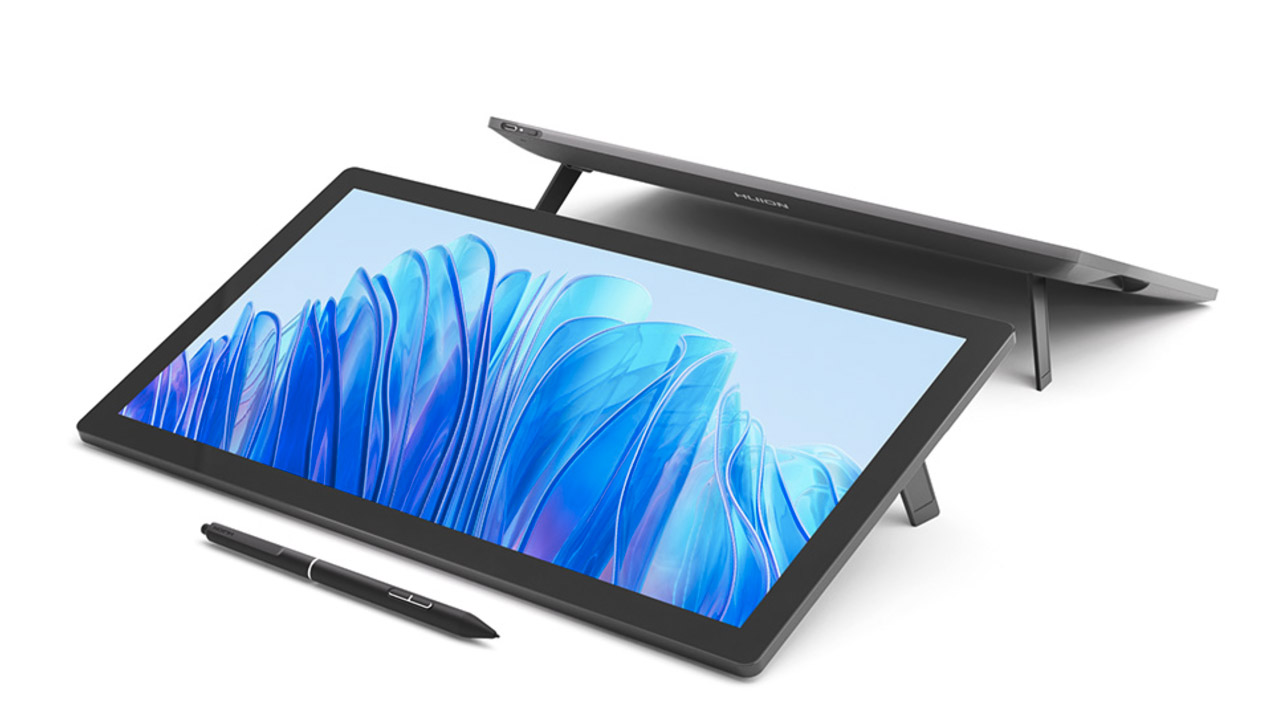
Huion ➔
Up to 50% off affordable, high-quality pen display tablets
Insydium ➔
50% off through 12/4
JangaFX ➔
30% off an indie annual license
Kitbash 3D ➔
$200 off Cargo Pro, their entire library
Knights of the Editing Table ➔
Up to 20% off Premiere Pro Extensions
Maxon ➔
25% off Maxon One, ZBrush, & Redshift - Annual Subscriptions (11/29 - 12/8)
Mode Designs ➔
Deals on premium keyboards and accessories
Motion Array ➔
10% off the Everything plan
Motion Hatch ➔
Perfect Your Pricing Toolkit - 50% off (11/29 - 12/2)
MotionVFX ➔
30% off Design/CineStudio, and PPro Resolve packs with code: BW30
Rocket Lasso ➔
50% off all plug-ins (11/29 - 12/2)
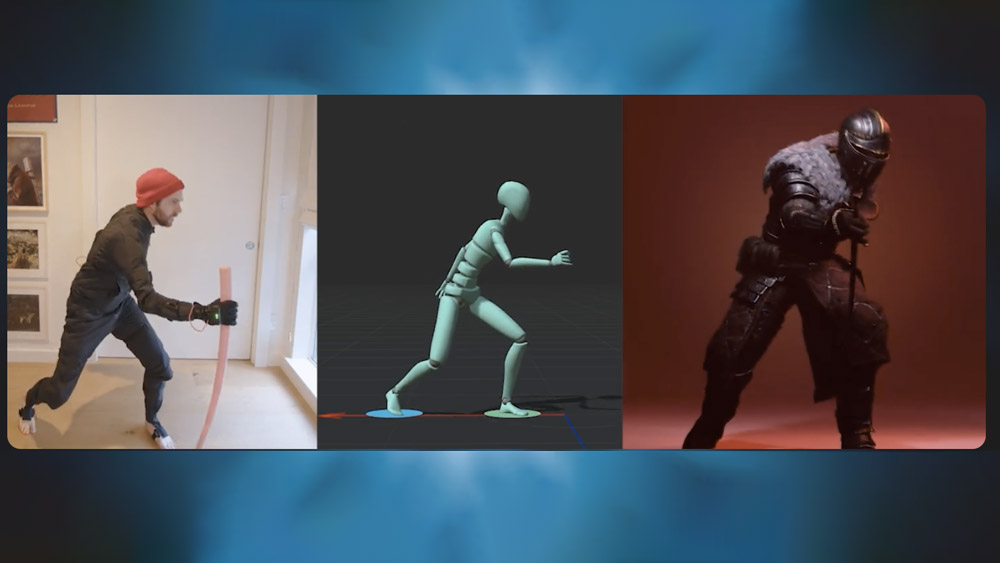
Rokoko ➔
45% off the indie creator bundle with code: RKK_SchoolOfMotion (revenue must be under $100K a year)
Shapefest ➔
80% off a Shapefest Pro annual subscription for life (11/29 - 12/2)
The Pixel Lab ➔
30% off everything
Toolfarm ➔
Various plugins and tools on sale
True Grit Texture ➔
50-70% off (starts Wednesday, runs for about a week)
Vincent Schwenk ➔
50% discount with code RENDERSALE
Wacom ➔
Up to $120 off new tablets + deals on refurbished items


Learn After Effects the Right Way
Master the After Effects interface and build a real animation skillset. Enroll in All-Access to unlock AE Kickstart and 50+ other courses.